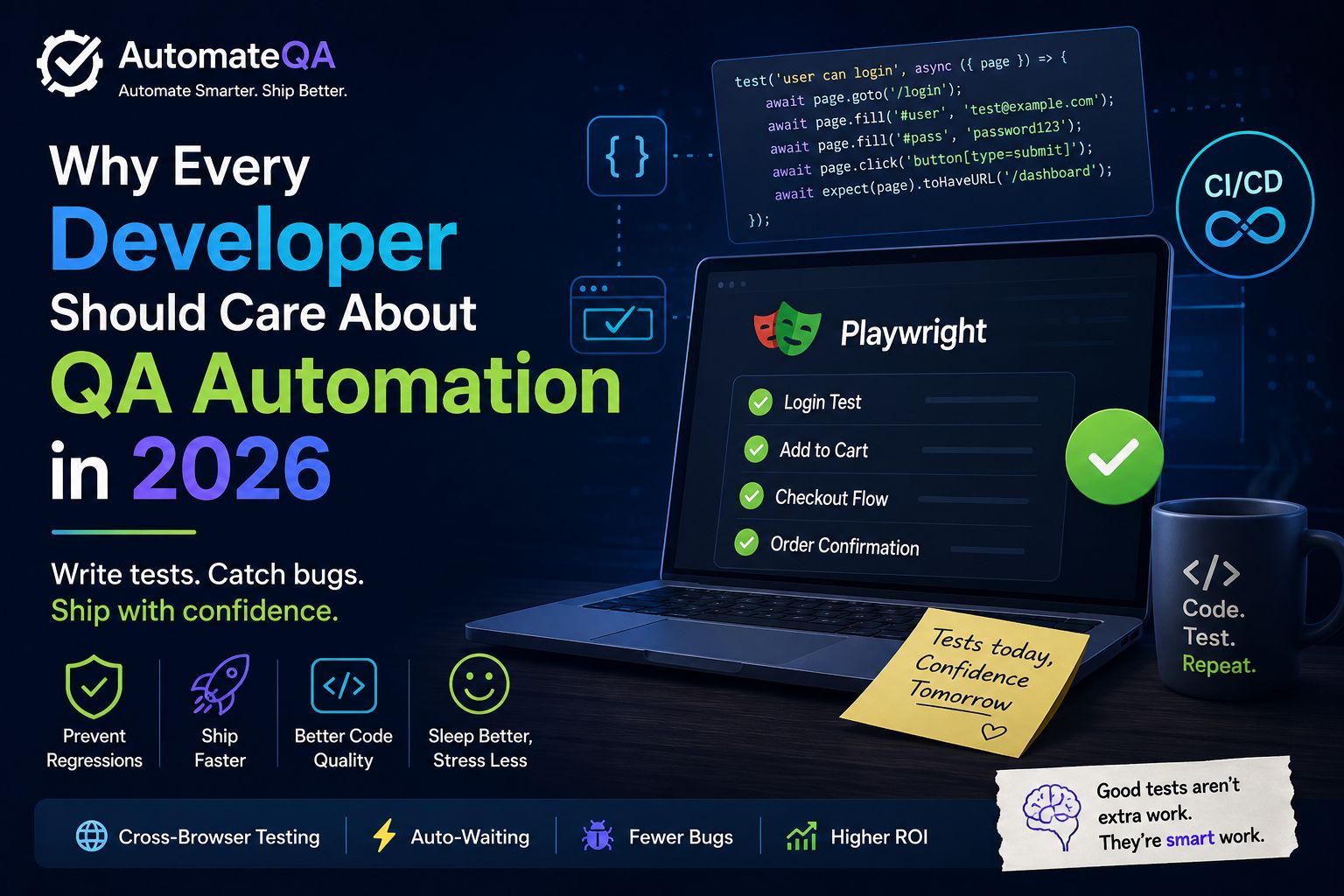
Why Every Developer Should Care About QA Automation
Explore why developers should care about QA automation, Playwright testing, CI/CD pipelines, regression prevention, and modern software quality practices.

AutomateQA
Author
Who This Article Is For
This article is for:
- Developers shipping fast-moving applications
- QA engineers moving into automation
- Team struggling with regression testing
- Startups building CI/CD pipelines
- Anyone tired of hearing "it works on my machine"
Why Manual Testing Alone No Longer Works
Let's be honest.
The days of manually clicking through an application to verify everything works are over. Not because manual testing is useless — it absolutely still matters — but because modern software development moves faster than human-only testing can keep up.
Deployments happen multiple times a day. Pull requests merge every hour. Features ship every sprint. And somewhere inside that chaos, bugs are hiding — waiting to appear in production at the worst possible moment.
Usually 10 minutes before a client demo.
“"It works on my machine" is not a QA strategy. It's a prayer.
This is why QA automation is no longer optional infrastructure for engineering teams. It's part of how modern software gets built reliably.
1. What is QA Automation, Really?
QA Automation is the practice of writing code that tests your code.
Instead of manually verifying a login flow every release, you create automated scripts that validate functionality continuously — on every build, every deployment, and every pull request.
Automation testing generally covers three major layers:
Unit Tests: Does an individual function or method return the correct output?
Integration Tests: Do multiple services or components work together correctly?
End-to-End (E2E) Tests: Does the entire user journey work from browser to backend and database?
Tools like Playwright, Selenium, Cypress, and REST Assured help automate these flows by interacting with real applications exactly like real users do.
- They click buttons.
- They fill forms.
- They validate responses.
- They catch regressions before users do.
A good automation suite becomes your engineering safety net.
2. Why Developers Should Care (Not Just QA Engineers)
Here's the mindset shift many teams still struggle with:
QA automation is not only the QA team's responsibility. It's an engineering responsibility.
Teams that understand this ship software faster and with significantly fewer production issues.
Here's what usually happens when developers ignore automation:
- QA teams spend most of their time repeating regression tests instead of exploring edge cases.
- Bug fixes in one sprint accidentally break features from previous sprints.
- Releases slow down because someone has to manually verify the entire application before deployment.
- Technical debt grows because the codebase becomes too fragile to change confidently.
Now compare that to teams that build automation alongside features:
- CI/CD pipelines catch regressions before code merges.
- Test coverage becomes part of the code review culture.
- QA engineers focus on exploratory testing and real user scenarios.
- Teams deploy with confidence instead of fear.
A good test suite is not overhead. It's engineering insurance.
3. Playwright: The Tool Changing Modern Test Automation
If you haven't explored Playwright yet, you're missing one of the best developer experiences in browser automation today.
Built by Microsoft, Playwright supports Chromium, Firefox, and WebKit using a single API.
Auto-Waiting
Playwright automatically waits for elements to become interactable before performing actions. That means fewer flaky tests, fewer timing failures, and fewer Thread.sleep() hacks.
Parallel Execution
Your test suite can run across multiple browsers simultaneously. What previously took 20 minutes can often finish in 3–5 minutes.
Trace Viewer
When a test fails, Playwright records screenshots, network activity, console logs, and execution timelines — so you can replay and debug failures visually.
Native TypeScript and JavaScript Support
Setup is straightforward:
- Install
- Write tests
- Run tests
The developer experience is genuinely smooth.
A Simple Playwright Example
Here's a basic login automation example:
test('user can login', async ({ page }) => {
  await page.goto('https://app.example.com');

  await page.fill('#email', 'test@example.com');
  await page.fill('#password', 'password@123');

  await page.click('#button[type=submit]');
  await expect(page).toHaveURL('/dashboard');
});
That's all it takes to automate one critical user flow. Small tests like this can prevent major production issues later.
Automation is not about replacing testers. It's about freeing them to do more valuable exploratory and edge-case testing.
4. Why QA Automation Saves Engineering Time and Money
Skipping automation feels faster in the short term.
it rarely is.
Industry studies consistently show that bugs found in production cost dramatically more to fix than bugs caught during development.
And the real cost isn't only engineering effort.
it includes:
- delayed releases
- customer frustration
- hotfix deployments
- support escalations
- developer burnout
Let's put it into practical terms:
- 1 hour writing an automated test can save 10+ hours of regression effort later.
- 1 failed test in CI can prevent a production incident.
- 1 stable E2E suite can reduce deployment anxiety across the entire team.
“The ROI of automation compounds over time
The longer your project lives, the more valuable your test suite becomes.
5. Common Excuses - And Why They Don't Hold Up
"We don't have time to write testes."
You don't have time not to.
Every skipped test becomes future debugging work waiting to happen.
"Our application changes too fast."
Usually this means the automation architecture needs improvement - not that automation is impossible.
Well-structured frameworks use:
- reusable fixtures
- stable selectors
- page object models
- modular utilities
Good automation is designed to survive change.
"We already have a QA team"
Your QA engineers should focus on:
- Exploratory testing
- usability analysis
- edge cases
- business validation
They should not spend entire sprints re-testing the same login flow manually.
That's what automation is for.
"Automation setup is difficult."
Modern tools have dramatically simplified setup.
With Playwright you can create and run your fist browser test in under 10 minutes.
The barrier to entry has never been lower.
6. Where to Start: A Practical First Step
You do not need to automate everything overnight.
- Start small
- Start smart
- Stay consistent
Here's a simple approach:
- Identify your highest-risk user journey ( login, checkout, payments, form submissions, etc.)
- Write one automated E2E test for that journey.
- Add that test to your CI pipeline so it runs on every pull request.
That's it.
One test is enough to start building confidence momentum.
From there, expand gradually.
“The best time to start automating was yesterday. The second best time is right now.
7. What AutomateQA is Here to Do
Most automation contest online falls into one of two extremes:
- overly academic
- overly shallow
AutomateQA exists to bridge that gap.
We focus on:
- practical automation tutorials
- real-world Playwright examples
- frmework design concepts
- CI/CD integration
- debugging strategies
- interview preparation
- QA memes that every tester understands instantly
Because QA automation is:
- genuinely important
- occasionally frustrating
- surprisingly creative
- and sometimes unintentionally hilarious.
What You'll Find on AutomateQA
Playwright Tutorials
Beginner to advanced tutorials with real examples and practical implementations.
Automation Tips and Tricks
Lessons learned from actual automation projects - noy copied from documentation.
QA Memes
Because surviving sprint planning sometimes requires humor.
100 Days of Playwright
A structured challenge to help engineers master browser automation consistently.
Career & Interview Content
Resources for QA Engineers preparing for automation interviews and career growth.
Whether you're:
- a developer learning testing
- a QA engineer leveling up automation skills,
- or someone who enjoys relatable QA humor,
you're in the right place.
Final Thought
QA automation is not about replacing the human testers.
It's about allowing humans to focus on the work humans do best:
- creative exploration
- critical thinking
- user empathy
- edge-case discovery
- product quality analysis
Automation handles repetitive verification.
Humans handle intelligent investigation.
If you build software professionally, testing is part of your responsibility too.
Not because someone assigned it you but because quality matters.
- Start small.
- Stay consistent.
- Automate the repetitive work.
And if production breaks one day after UAT....
there's probably a QA meme for that already.
Continue Learning with AutomateQA
Want to start learning browser automation from scratch?
- daily Playwright examples
- framework tutorials
- interview preparation
- real-world automation patterns
- CI/CD integration strategies
Follow AutomateQA