Playwright Tip #1: Stop Using sleep() — Use Auto-Waiting Instead
Hard-coded sleep() calls are the #1 cause of flaky tests. Learn how Playwright's built-in auto-waiting eliminates timing failures and makes your test suite actually reliable.

Nagendra Meesala
QA Automation Engineer
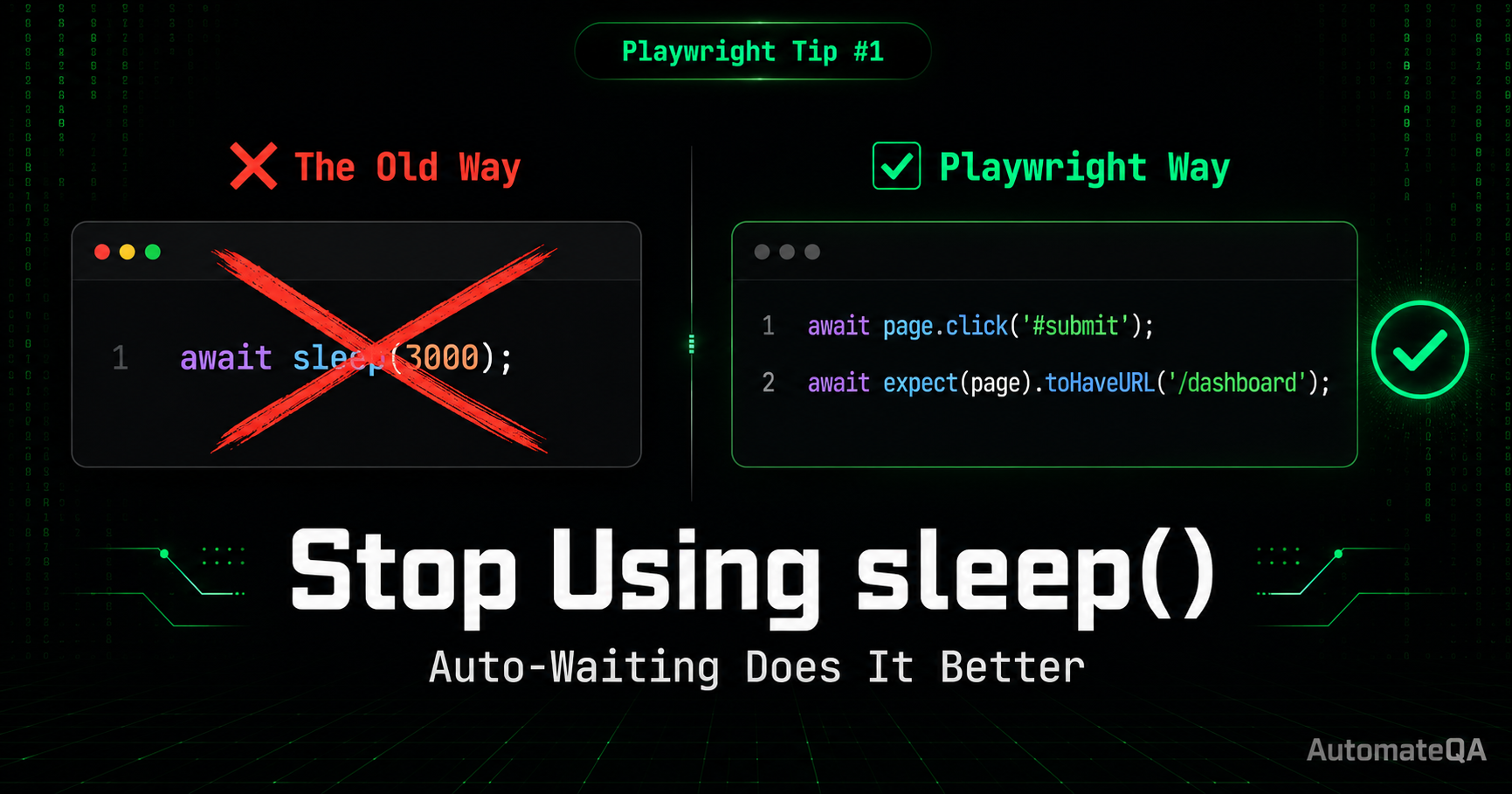
If you've ever written a test like this:
await page.click('#submit');
await sleep(3000); // 🤦 hoping the page loads in time
await expect(page).toHaveURL('/dashboard');
You're not alone. But you're also writing flaky tests.
The Problem With sleep() Hard-coded waits are the #1 cause of flaky tests in automation suites. Here's what actually happens when you use sleep(3000):
On a fast machine → test waits 3 seconds unnecessarily On a slow CI server → 3 seconds isn't enough, test fails On a network spike day → test fails randomly, team loses trust in the suite
You end up either wasting time or getting false failures. Neither is acceptable.
What Playwright Does Instead Playwright ships with built-in auto-waiting on every action. When you write:
await page.click('#submit');
Playwright doesn't just blindly click. Before acting, it automatically waits for the element to be:
✅ Visible
✅ Enabled
✅ Stable (not animating)
✅ Attached to the DOM
✅ Receiving events
No sleep needed. No manual wait logic. It just works.
The Right Way to Wait for Navigation
// ❌ Wrong — fragile sleep
await page.click('#submit');
await sleep(3000);
// ✅ Correct — Playwright waits automatically
await page.click('#submit');
await expect(page).toHaveURL('/dashboard');
For explicit network waits:
// Wait for a specific API response after action
await Promise.all([
page.waitForResponse(res => res.url().includes('/api/login')),
page.click('#submit')
]);
When You Actually Need a Wait Sometimes a genuine wait is needed. Use these instead of sleep():
// Wait for a specific element to appear
await page.waitForSelector('.success-toast');
// Wait for network to be idle
await page.waitForLoadState('networkidle');
// Wait for a specific condition
await page.waitForFunction(() => document.title === 'Dashboard');
// Wait for a specific element to appear
await page.waitForSelector('.success-toast');
// Wait for network to be idle
await page.waitForLoadState('networkidle');
// Wait for a specific condition
await page.waitForFunction(() => document.title === 'Dashboard');
Enjoyed This Tip?
Explore hundreds more practical tips for QA engineers — Playwright, Selenium, API testing, CI/CD, and real debugging patterns.